
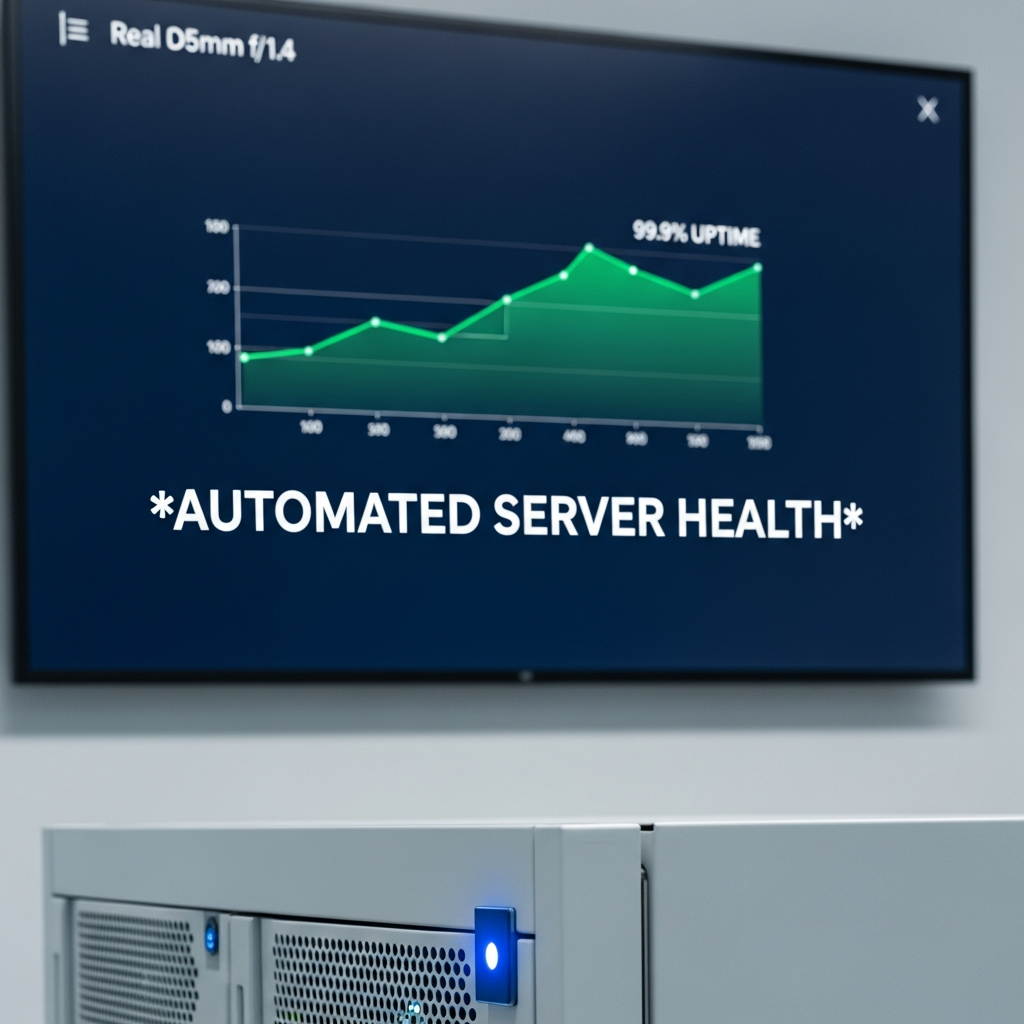
In the fast-paced world of DevOps, maintaining server health and performance is crucial for delivering consistent digital experiences. Manual checks are not only time-consuming but also prone to human error, which can impact uptime and reliability. By embracing automation in server health monitoring, organisations can detect issues early, optimise workloads, and ensure continuous service delivery. This article explores key principles, tools, and best practices for automated server health checks—helping DevOps teams work smarter and more efficiently while focusing on innovation rather than maintenance.
Establishing a Reliable Monitoring Framework
Before automating checks, defining what to monitor is essential. Thoughtful planning ensures that metrics align with business goals and performance benchmarks.
Key Metrics to Track
- CPU and Memory Usage: Identify resource bottlenecks early.
- Network Latency: Detect communication delays impacting user experience.
- Application Uptime: Ensure critical services remain responsive.
Choosing Monitoring Tools
Select solutions that integrate easily with your infrastructure, provide alerts, and support automation workflows. Open-source and commercial options exist, but the goal should always be reliability and transparency.
Integrating Automation into DevOps Pipelines
Automation bridges the gap between monitoring and action. By embedding health checks into CI/CD pipelines, teams can proactively address issues before deployment impacts users.
Triggering Automated Checks
- Pre-deployment tests: Verify environment readiness.
- Post-release audits: Monitor service stability immediately after rollout.
- Scheduled scans: Continuously assess system performance.
Alerting and Escalation
Define an automated escalation strategy so that critical incidents are quickly directed to the right personnel, ensuring minimal downtime.
Integrating Predictive Analytics
Beyond traditional monitoring, predictive analytics can forecast potential failures based on historical trends, reducing unplanned outages. Leveraging such insights supports proactive maintenance rather than reactive fixes.
Visualization and Reporting
Create dashboards for real-time system health views. Easy-to-read analytics empower teams to act promptly and efficiently across different operational layers.
Building a Culture of Continuous Improvement
Automation should evolve alongside infrastructure. Regular review cycles, feedback mechanisms, and training ensure that processes remain relevant and effective.
Conclusion
Modern organisations in Singapore are increasingly recognising the need to automate their IT processes to stay ahead. At Sodainmind, we support this transformation by enabling companies to streamline operations and optimise performance. As an approved Access Point for InvoiceNow, we help businesses align their digital initiatives with the nation’s e-invoicing framework. Whether you are modernising your server health checks, automating DevOps workflows, or adopting smarter digital tools, our team is ready to assist in your digitalisation journey. Reach out to us anytime at info@sodainmind.com to learn how we can empower your organisation through technology.